User Account Activities
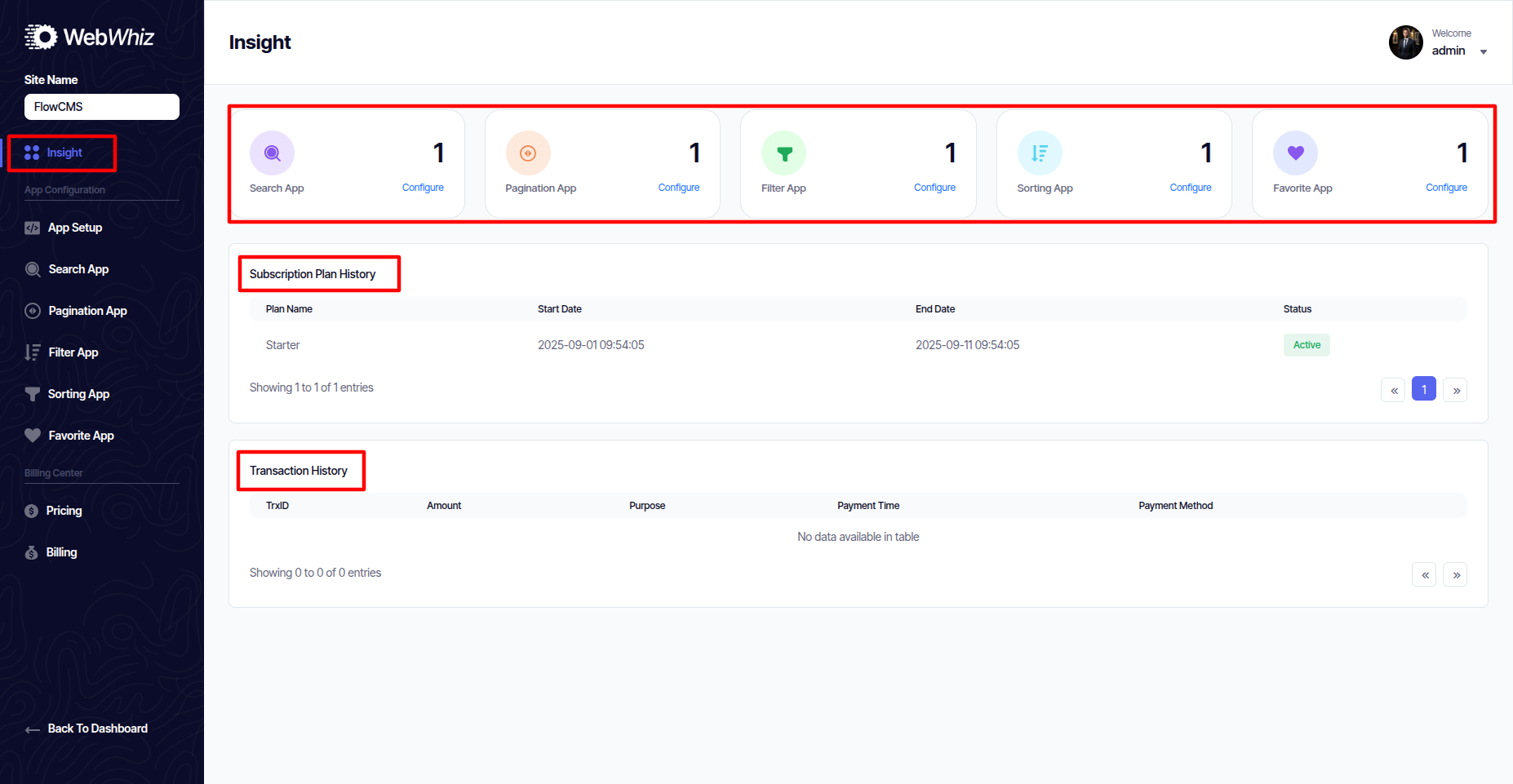
Insight
User can Show
- Search App
- Pagination App
- Filter App
- Sorting App
- Favorite App
- Subscription Plan History
- Transaction History
App Setup
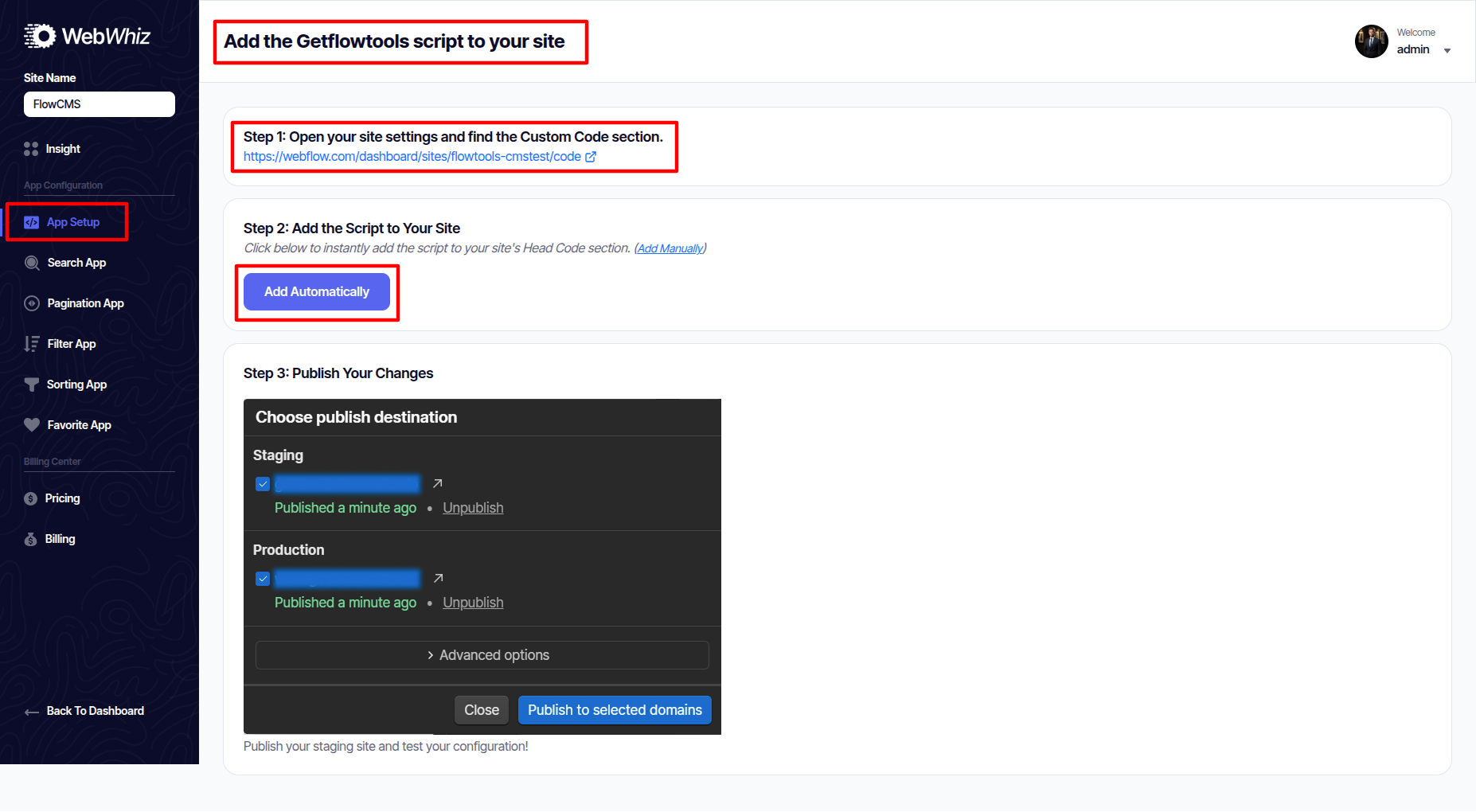
This is where you set up your site integration with WebWhiz.
-
Connect your Webflow project.
-
Configure global settings (API keys, domains, etc.).
-
Ensure everything is ready before enabling apps.
-
The configure video is available here for reference. You may check it if needed.
Search App
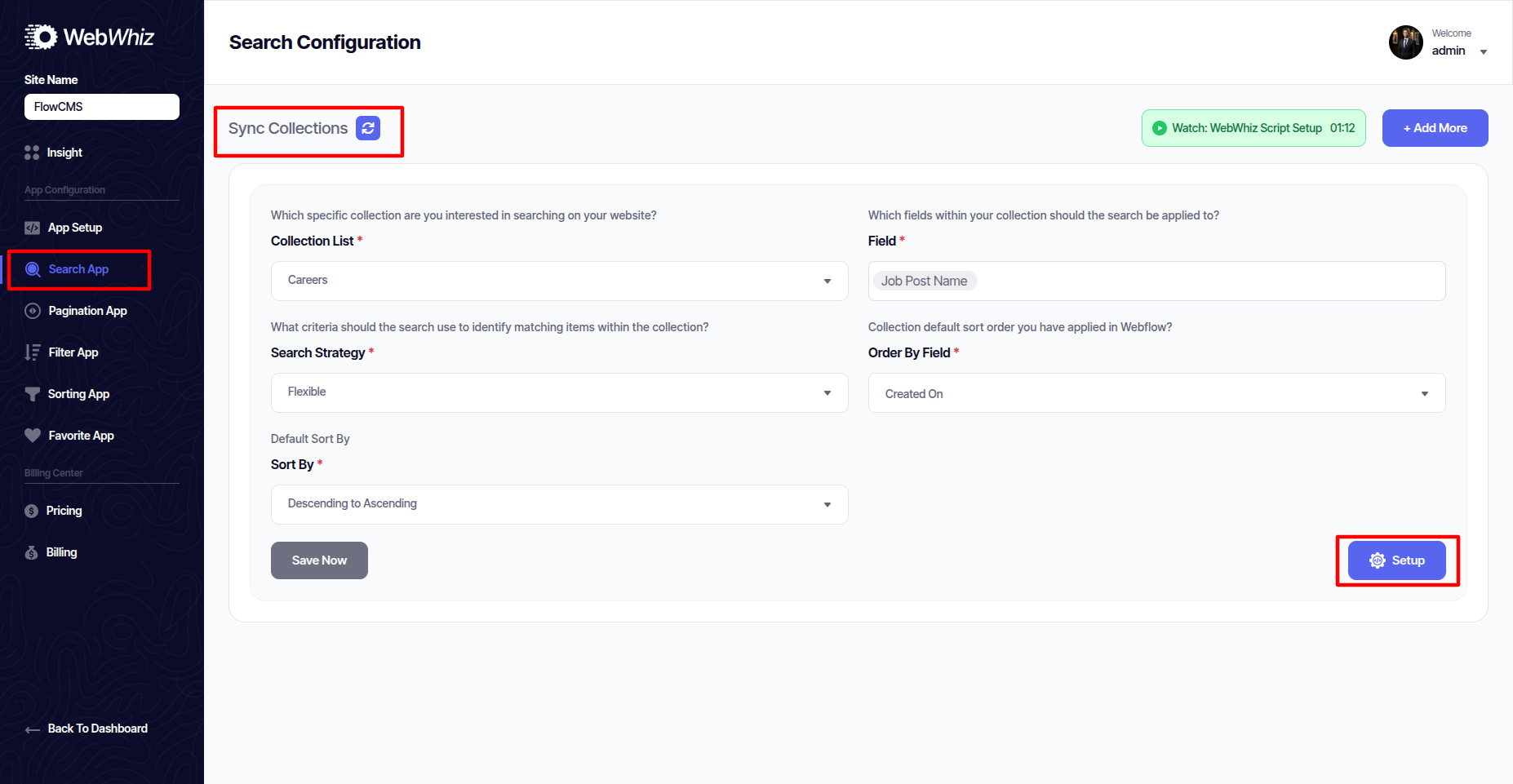
The Search App allows you to add a powerful search bar to your Webflow site. Features:
-
Full-text search across your Webflow collections.
-
Customizable search box design.
-
Real-time instant results.
-
The configure video is available here for reference. You may check it if needed.
Pagination List Search
Multiple Search Filters
Multiple Lists Tabs
Simple List Search
Pagination App
The Pagination App enables page-wise navigation for large lists. Features:
-
Load items in pages instead of one long list.
-
Control items per page.
-
Supports numeric pagination and next/previous buttons.
-
The configure video is available here for reference. You may check it if needed.
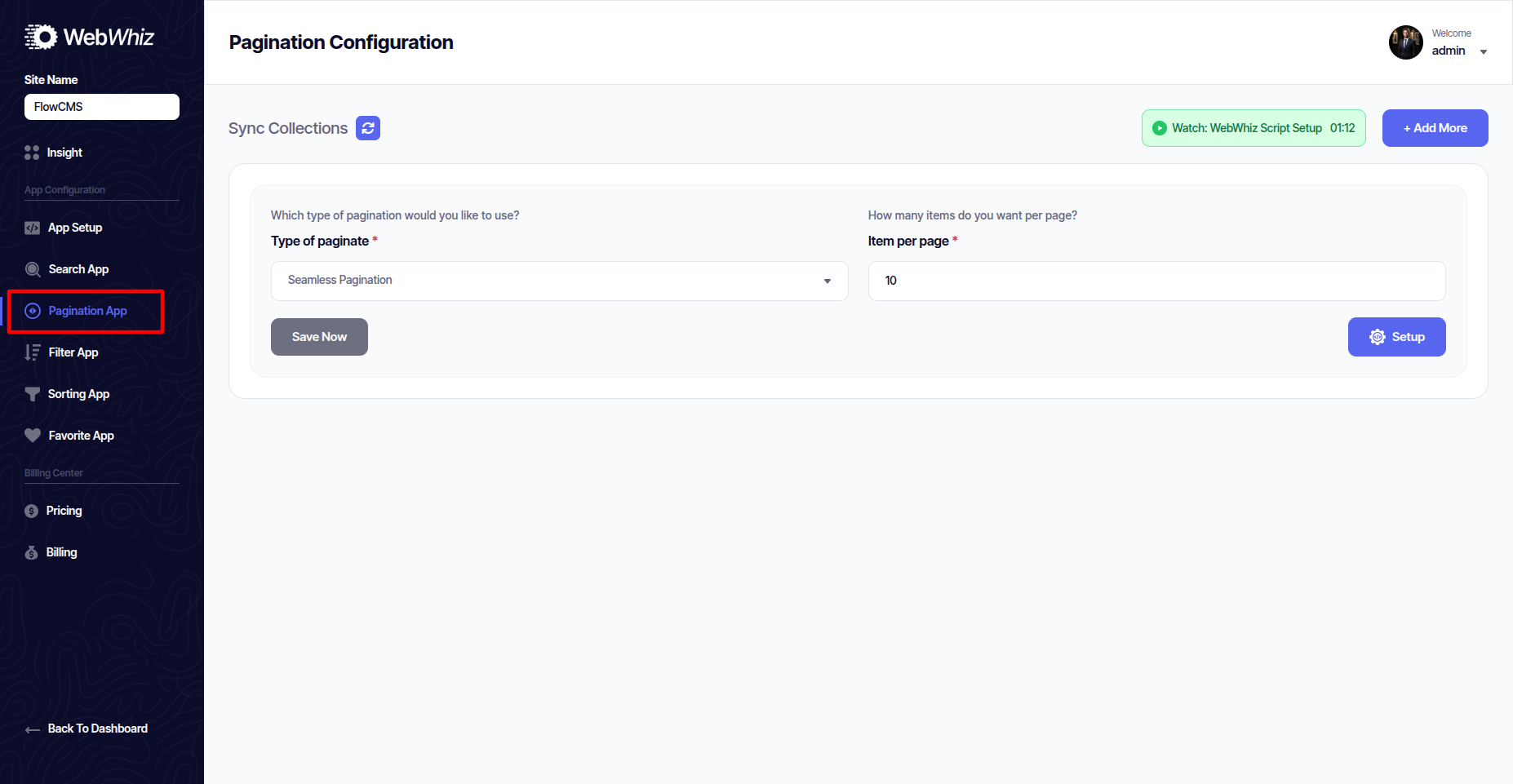
Infinite Scroll
Load More Button Paginatio
Seamless Pagination
Filter App
The Filter App lets users narrow down results with multiple filters. Features:
-
Add category, price, tag, or custom field filters.
-
Combine multiple filters at once.
-
Works with search and sorting.
-
The configure video is available here for reference. You may check it if needed.
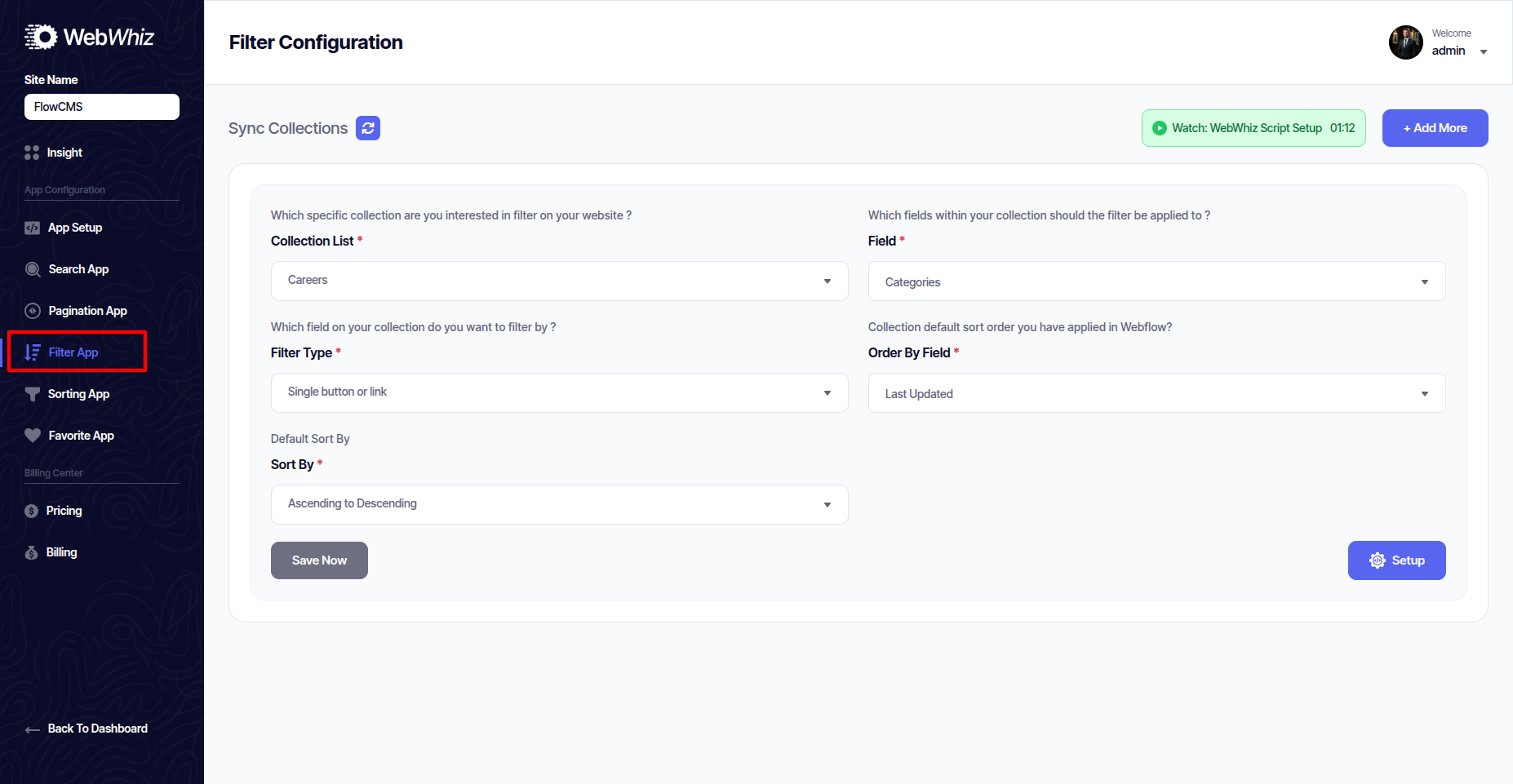
Checkboxes Filter
Radio Button Filter
Single Button Filter
Multi Button Fill
Single Link
Multi Button Empty
Single Select Dummy
Multi Select
Sorting App
The Sorting App allows users to reorder lists dynamically. Options include:
-
Sort by newest/oldest.
-
Sort by price (low to high, high to low).
-
Sort alphabetically.
-
The configure video is available here for reference. You may check it if needed.
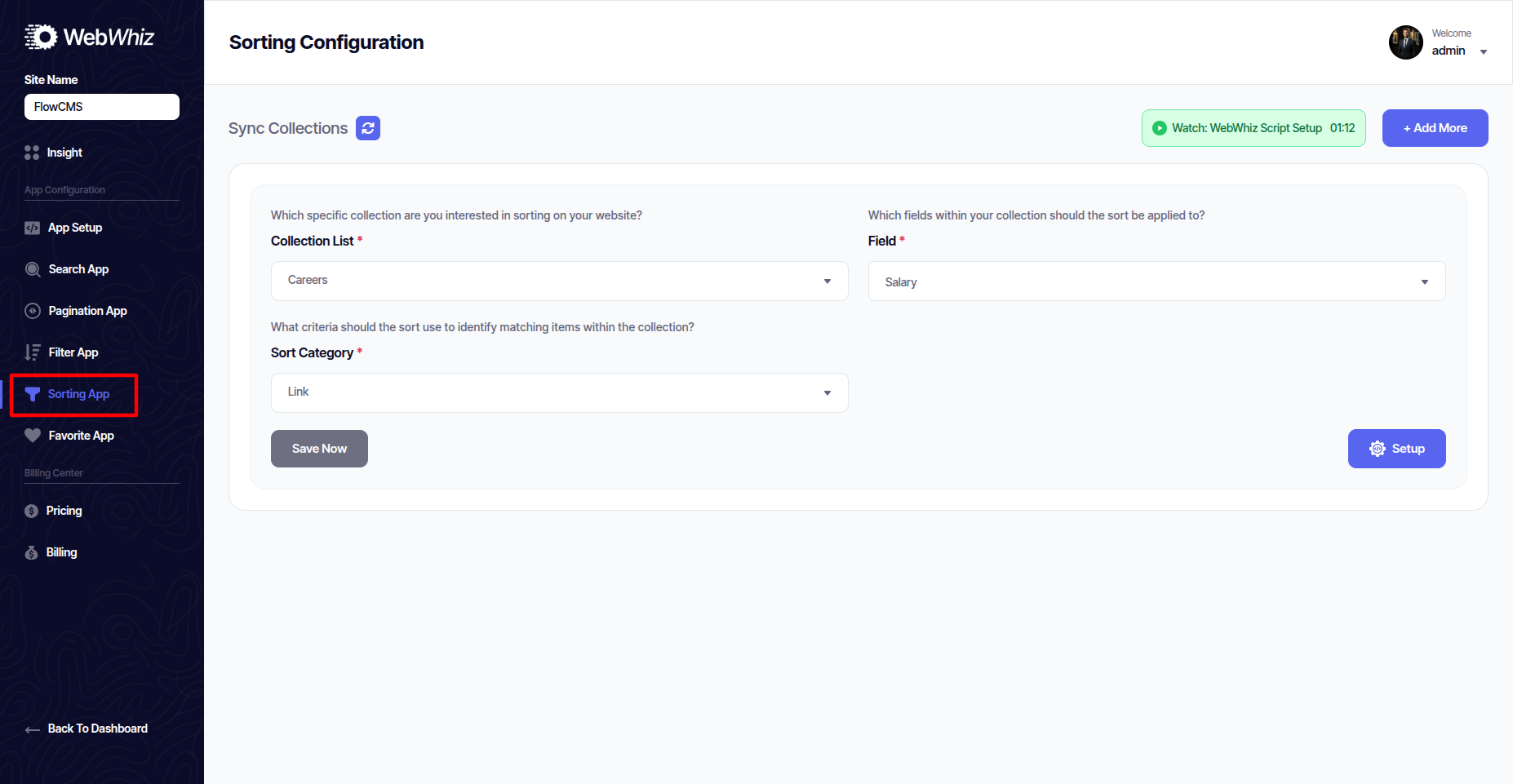
Sorting
Favorite App
The Favorite App allows users to save and bookmark items. Features:
-
Add "heart" or "star" icons to any item.
-
Save favorites across sessions.
-
Build a personalized "Favorites List" page.
-
The configure video is available here for reference. You may check it if needed.
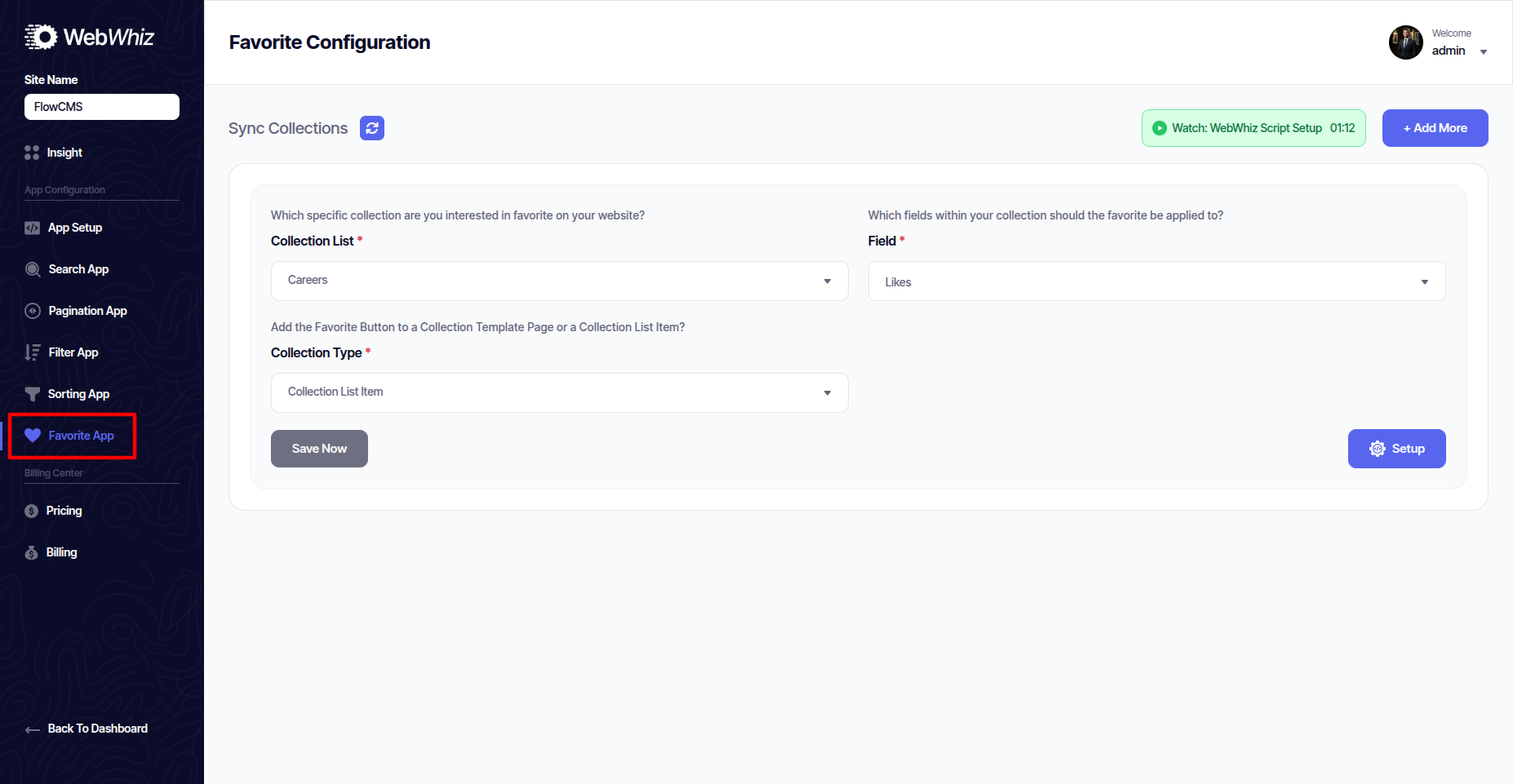
Our Top Educational Driving
Pricing
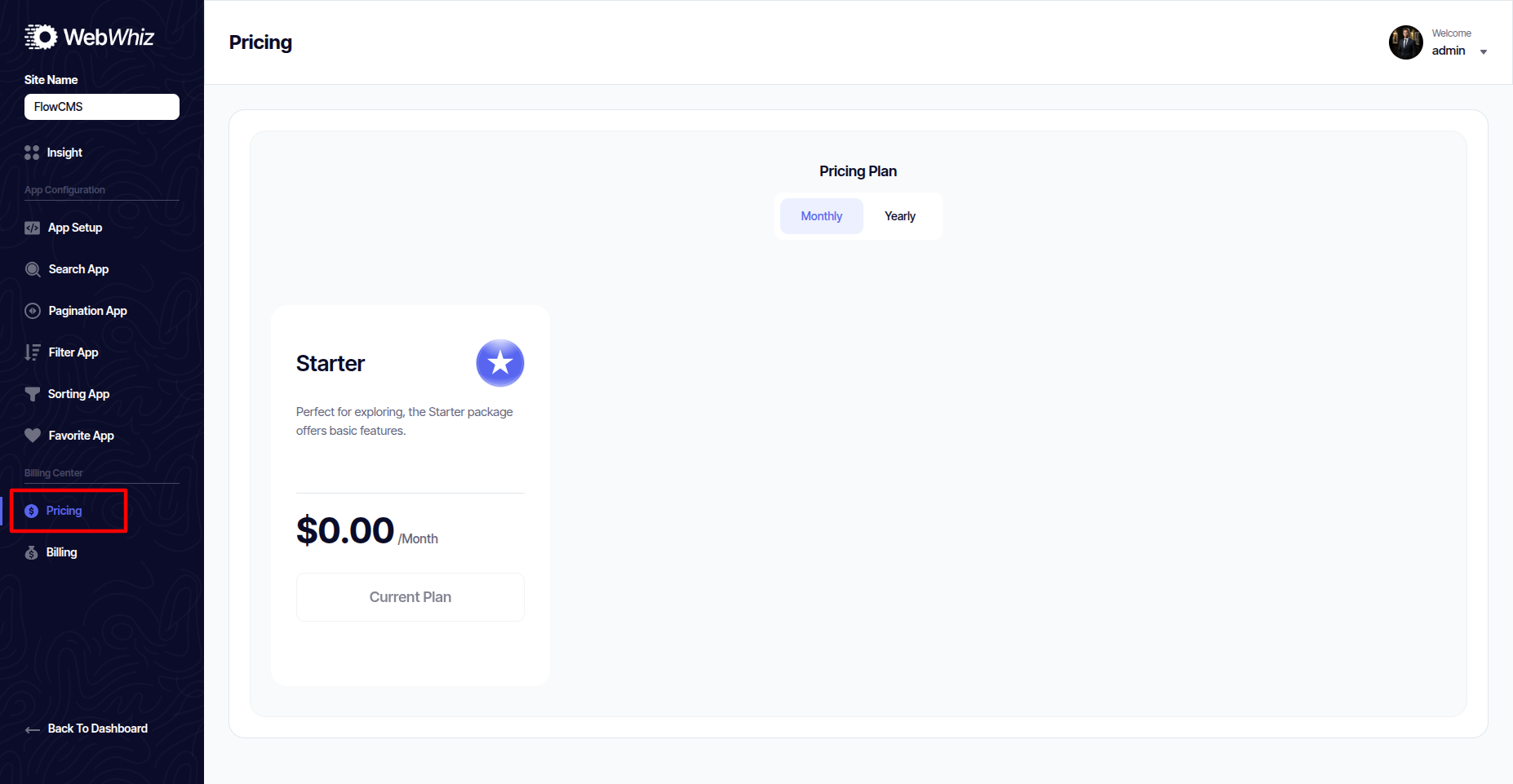
The Pricing section shows available WebWhiz subscription plans.
-
Compare features (apps included, limits, and advanced features).
-
Choose a plan that suits your project.
-
Upgrade or downgrade anytime.
Billing
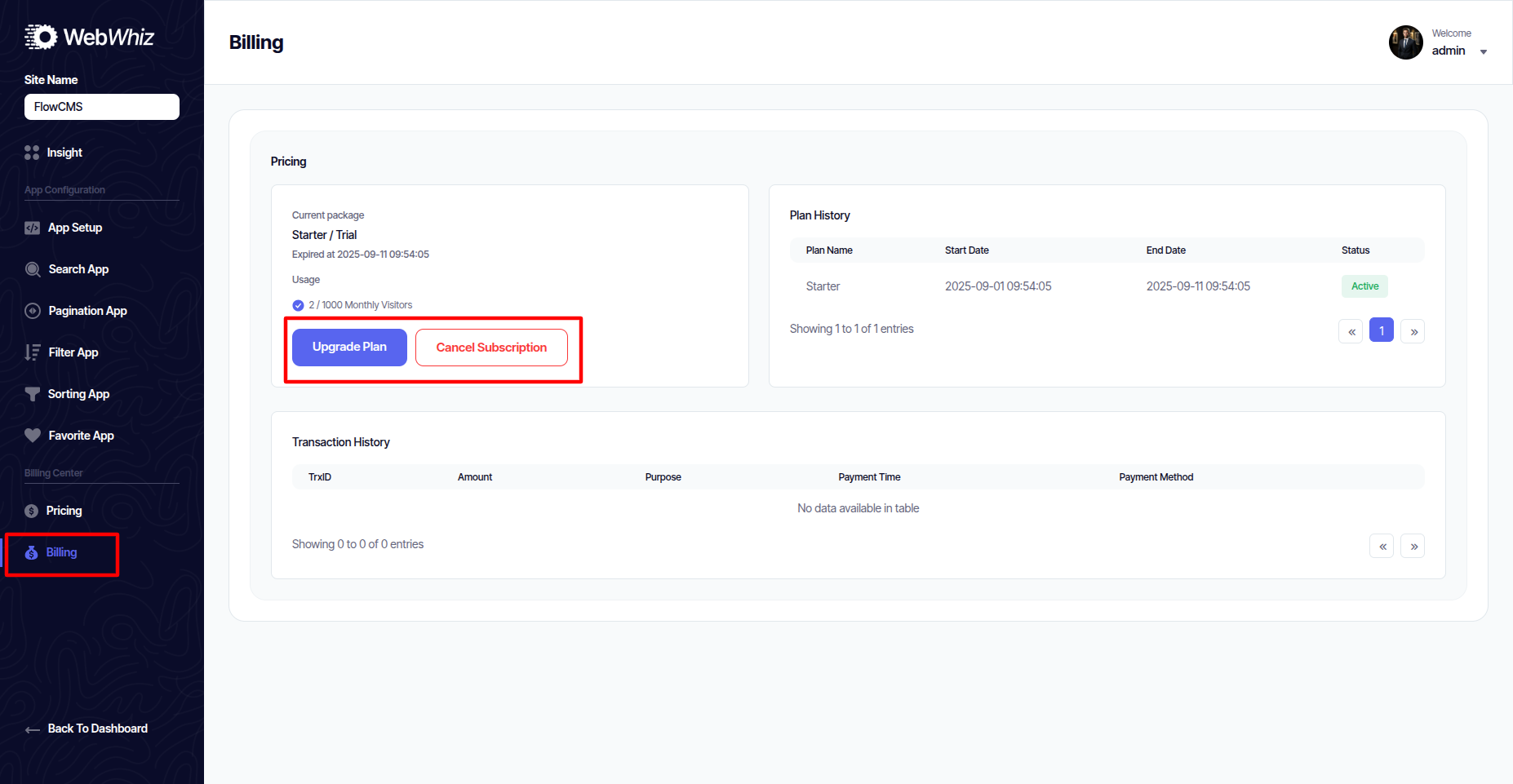
The Billing section manages all your payments.
-
View transaction history.
-
Download invoices.
-
Update payment methods.
-
Cancel or renew subscriptions.